Using AI is different from learning it
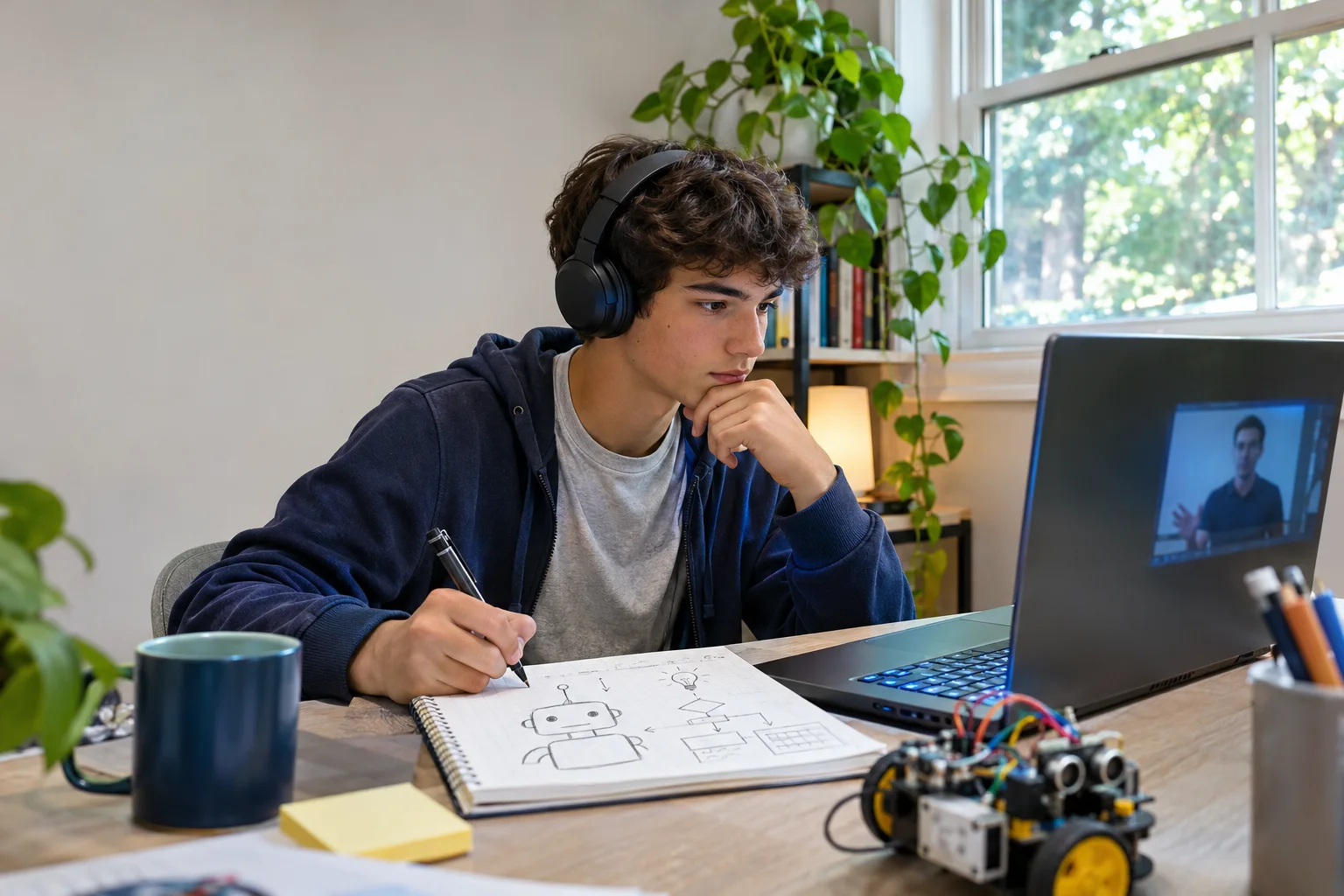
A teen can get an answer from an AI tool in seconds. An AI class should help them decide whether that answer is useful, accurate, and appropriate for the task. It should also teach them to make something another person can use. That might be a website, a research workflow, a simple assistant, or a carefully tested creative project.
The subject is broader than a single chatbot or coding language. UNESCO’s student AI framework describes learning across human-centred thinking, ethics, AI applications, and system design, moving from understanding to applying to creating. A beginner course does not need to cover every topic, but it should make its learning goals clear.
Four ways a teen can learn AI
| Format | Strength | Watch for |
|---|---|---|
| Self-paced lessons | Flexible schedule and a low-cost first look | Few opportunities for feedback on the teen’s own project |
| Live group class | Instructor guidance, peers, deadlines, and discussion | Group size, actual build time, and support between meetings |
| Short camp or workshop | Focused exposure and a quick first project | Whether the student can continue after the event |
| Private tutoring | Individual pacing and targeted help | A clear curriculum and a total cost that fits the goal |
Choose the format that solves the student’s current problem. A beginner who wants to explore can start with a free guide and a small experiment. A teen who has tried tools but cannot finish a project may benefit from live structure and feedback. A student focused on programming fundamentals may need a coding class alongside AI projects.
What a useful beginner syllabus includes
Ask the provider to show how lessons turn into a student-owned artifact. A practical sequence might look like this:
- Choose a real problem. Name a user and a task before choosing a model or tool.
- Learn how the tool behaves. Give it clear context, compare multiple outputs, and notice confident mistakes.
- Build a small version. Make one page, workflow, or assistant that can be tried by another person.
- Test with examples. Record what works, what fails, and when a person must check the result.
- Explain and share responsibly. Present the project’s purpose, evidence, limits, and next steps.
There is room for creative work, business ideas, and technical depth inside this sequence. The point is that the class teaches decisions, not only button clicks. Our teen AI learning guide shows a similar path for a first project.
Look closely at feedback
“Live” is not enough by itself. Ask whether the instructor sees and responds to student work, whether students can ask questions when they are stuck, and what happens between sessions. A class that demonstrates tools without reviewing student decisions may feel engaging but leave a beginner unsure what to do alone.
Ask for a sample assignment or a typical finished artifact. It should be possible to tell what the student made, what AI helped with, and what the student checked or changed. If a provider shows a polished sample, ask how much of it a beginner usually completes within the course.
Check the rules around minors and tools
Before enrolling, confirm who creates required accounts, whether subscriptions add cost, how communication with instructors works, and when a parent reviews public work. Tool age requirements and school rules can change, so check the current terms for each service the course uses. Teens should not put private records, passwords, or sensitive information into an AI prompt to complete a class exercise.
Parents should also ask what the class does when AI produces an inaccurate answer. A good answer includes verification and human review, not a claim that the tool is always reliable. For The NextGen’s current commitments, see the parent safety policy.
Try one project before committing to a long program
A small project makes course selection easier. Ask your teen to choose a familiar need, such as a club event page or a resource finder. Give them a short time box and ask: Who would use this? What would the first version do? How would we tell if it works? The free AI project planner turns those questions into a printable starting plan.
When comparing programs, use the program checklist to record the same answers from every provider. A course is a better fit when its format, feedback, and finished work match the teen’s goal.
How The NextGen approaches AI learning
The NextGen is a six-week live virtual business and AI program for ages 14–18. Students work on one idea, make a website and useful AI workflow, plan how to reach people, and present their decisions at Demo Day. It is designed for ambitious beginners and keeps parents involved in accounts, payments, and public project decisions. The scope of each student’s finished work depends on their idea and progress.